Legacy text streamliner: Condense and clarify historical IT documents
Use legacy text streamliner to manage and update it documents efficiently, ensuring accurate version control and streamlined communication.
Similar apps

Updatecraft legacy writer
Updatecraft legacy writer: Craft new entries for legacy documentation easily



Streamline your historical it documentation with advanced features
Optimize clarity and conciseness in your documents
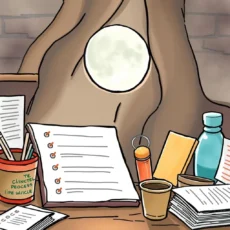
Intuitive input fields for detailed documentation
Easily enter essential information through multiple input fields, ensuring every aspect of your historical IT documents is captured. Provide the title, current version number, last updated date, authors, purpose, key changes, relevant links, and additional notes to enhance the AI's processing capabilities and output quality.
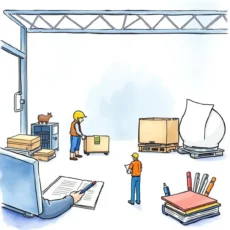
Ai-powered text processing for precision
Leverage advanced language model technology to condense and clarify complex historical IT documents seamlessly. The app processes your comprehensive inputs effectively to generate clear and concise summaries that preserve intent while improving readability—ideal for enhancing documentation quality in IT contexts.
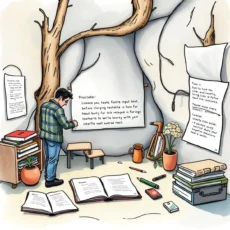
Tailored for it documentation needs
Designed specifically for professionals like Documentation Specialists and Technical Writers, this tool addresses the unique challenges faced in managing legacy documents. Its focused functionality makes it a perfect resource for Software Development Engineers and IT Documentation Managers aiming to improve efficiency without losing critical information.
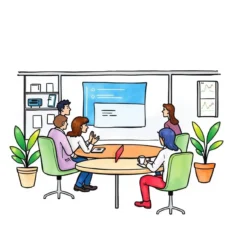
Enhanced collaboration through comprehensive notes
Utilize the additional notes field to add context or clarify document updates when sharing with team members. This feature fosters collaboration across your IT teams by providing rich context around modifications made, ensuring everyone stays informed and aligned on documentation revisions.
Additional information
Best for: Technical Writer, Documentation Specialist, Software Documentation Analyst, Legacy Systems Technical Writer, IT Documentation Manager