
Shipping route simulator: Visualize different shipping options and efficiencies
Use the shipping route simulator to plan efficient shipments, manage routes, and ensure timely deliveries based on your specific needs.

Similar apps

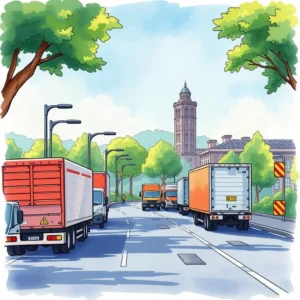
Optimize your shipping routes seamlessly
Streamline shipping processes for maximum efficiency
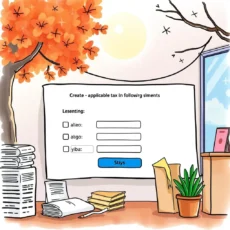
Comprehensive data input fields
Enter all critical shipment details through user-friendly fields, ensuring accurate and high-quality outputs. Users can input everything from starting location to special handling instructions, ensuring every necessary detail is captured to enhance route optimization.

Advanced route visualization features
Visualize multiple shipping options with our powerful algorithms. The app simulates different routes and outputs text-based results, allowing users to easily understand the most efficient paths and make informed decisions that save time and resources.

Flexible transportation mode selection
Choose from various transportation modes, such as truck, train, or air. This feature allows users to tailor their shipping plans according to cost-effectiveness or urgency, equipping logistics professionals with the flexibility needed for operations in today's fast-paced environment.

Traffic conditions input for accuracy
Enter known traffic conditions or restrictions specific to your route. By including this important information, users can optimize delivery schedules more accurately, avoiding potential delays and ensuring timely arrivals for shipments.
Expected delivery timeframe customization
Specify your expected delivery timeframe in hours. This feature enhances route planning by aligning shipment expectations with actual capabilities, enabling logistics coordinators and supply chain analysts to set realistic timelines while maximizing efficiency.
Additional information
Best for: Logistics Optimization Specialist, Route Simulation Analyst, Supply Chain Route Planner, Transportation Logistics Coordinator