
Utilization report generator: Create reports on resource utilization trends
The utilization report generator lets it teams track system performance by analyzing cpu, memory, and disk usage for better resource management.

Similar apps

Capacity forecasting tool
Capacity forecasting tool: Predict future resource needs and usage patternsResource efficiency optimizer
Resource efficiency optimizer: Suggest improvements for resource efficiency



Comprehensive resource utilization reporting
Streamline your system monitoring and report generation with precision
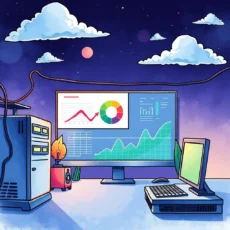
User-friendly text input for accurate reporting
Our web app features a straightforward text input system, allowing you to easily enter essential data such as system name, CPU usage, memory performance, and more. This ensures accurate capture of all relevant metrics for comprehensive utilization reports.

Thorough assessment date range selection
Input a specific date range for your analysis to focus on relevant trends over time. This feature helps pinpoint critical changes in resource utilization, making it easier for IT professionals to identify patterns and anomalies.
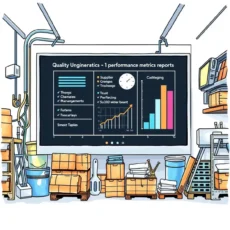
Detailed resource usage metrics entry
Users can document all key performance indicators including total CPU usage percentage, memory usage percentage, disk space utilization, and network bandwidth details. This level of detail enhances the quality of generated reports and allows for precise analysis.
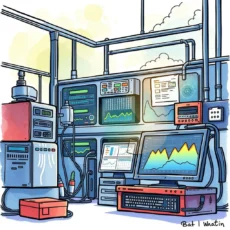
Anomaly documentation for enhanced insights
Easily note any anomalies or issues observed during monitoring using dedicated input fields. Documenting these occurrences aids in comprehensive understanding and paves the way for actionable recommendations ensuring optimal system performance.

Customized recommendations entry section
Leverage the power of tailored optimization recommendations by entering suggestions based on your observations. This feature ensures that all potential improvements are documented comprehensively, facilitating better resource management.

Additional comments field for contextual notes
Include any other relevant comments or observations with our additional notes section. This flexibility adds depth to your reports by capturing context that may not be addressed through structured fields alone, promoting richer analytical insights.
Additional information
Best for: System Monitoring Specialist, Resource Utilization Analyst, IT Support Technician, Performance Monitoring Coordinator, Technical Support Analyst