
Bug severity classifier: Generate severity levels for reported defects
The bug severity classifier helps it teams categorize defects with ease, enhancing integration testing and ensuring smoother software development.

Similar apps

Test case feedback generator
Test case feedback generator: Provide feedback on test case effectiveness
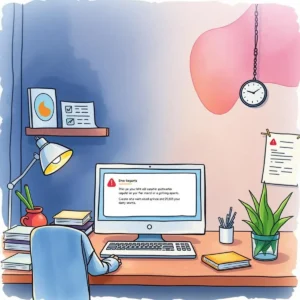








Comprehensive integration testing with dynamic bug severity classification
Streamline defect reporting and severity assessment

User-friendly text input fields
Easily enter all relevant defect information using intuitive text input fields. Add titles, descriptions, reproduction steps, expected and actual results, and more. This straightforward approach ensures that you capture essential data for accurate bug classification.

Automated severity level evaluation
Quickly identify the severity of defects with automated classification based on user inputs. By leveraging this feature, Software Quality Assurance Engineers can effectively prioritize defects such as Critical, Major, or Minor without manual assessment, improving overall testing efficiency.
Environment-specific classification
Specify the environment where defects were found—whether in Production or Staging—to receive tailored severity assessments. This allows Integration Testers to address issues in context, ensuring that defects are categorized appropriately depending on their operational impact.
Date and reporter tracking
Capture the date of report submission along with the reporter’s name seamlessly within the app. This essential tracking feature aids Quality Control Analysts in managing defect history effectively while ensuring accountability for reported issues.

Commentary support for enhanced clarity
Utilize additional comments or notes fields to provide context or insights related to each defect. This added detail enriches data for Software Developers in Test helping teams collaborate better on defect resolution processes.
Additional information
Best for: QA Tester, Software Tester, Integration Test Engineer, Defect Analyst, Quality Assurance Engineer